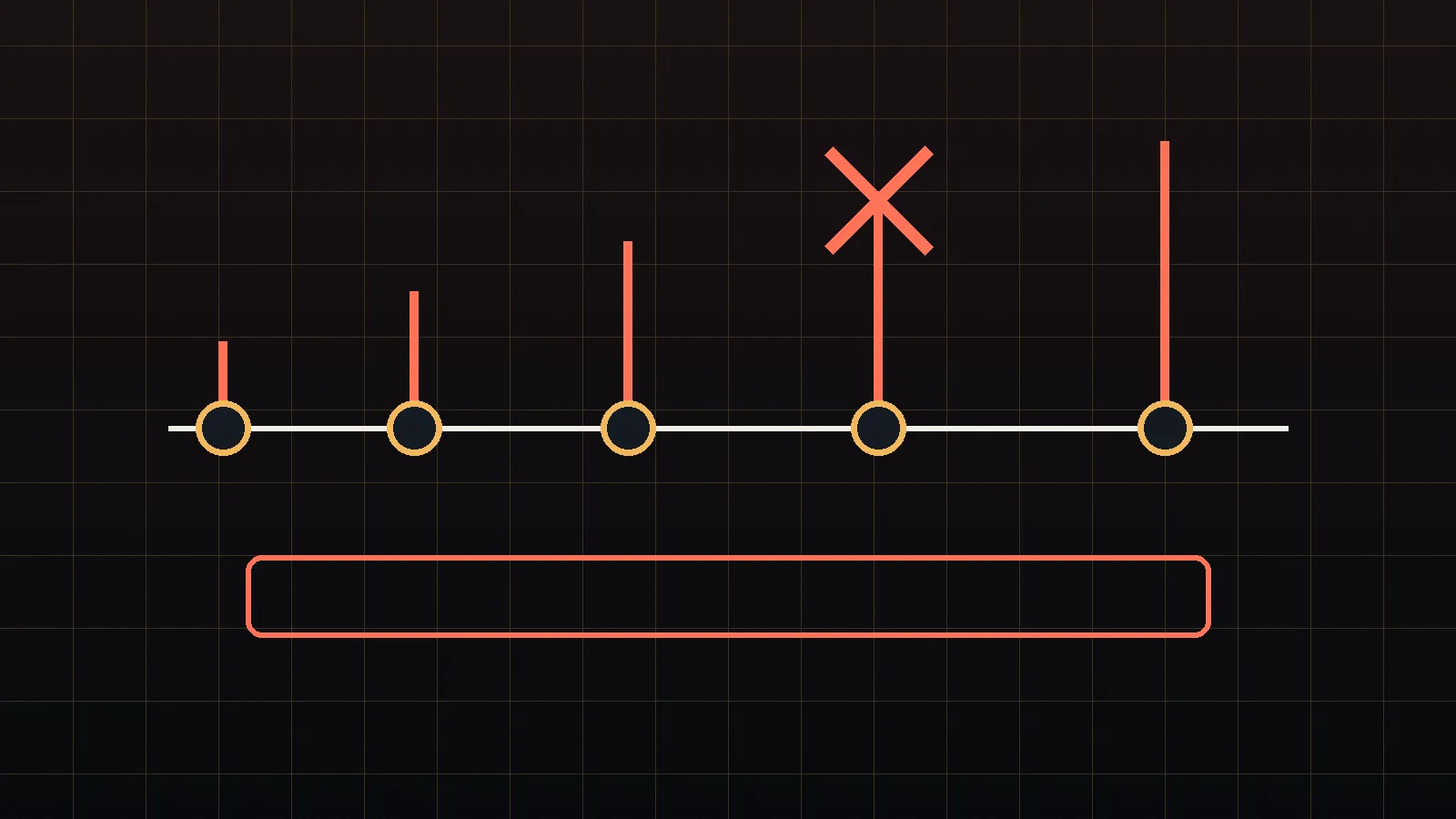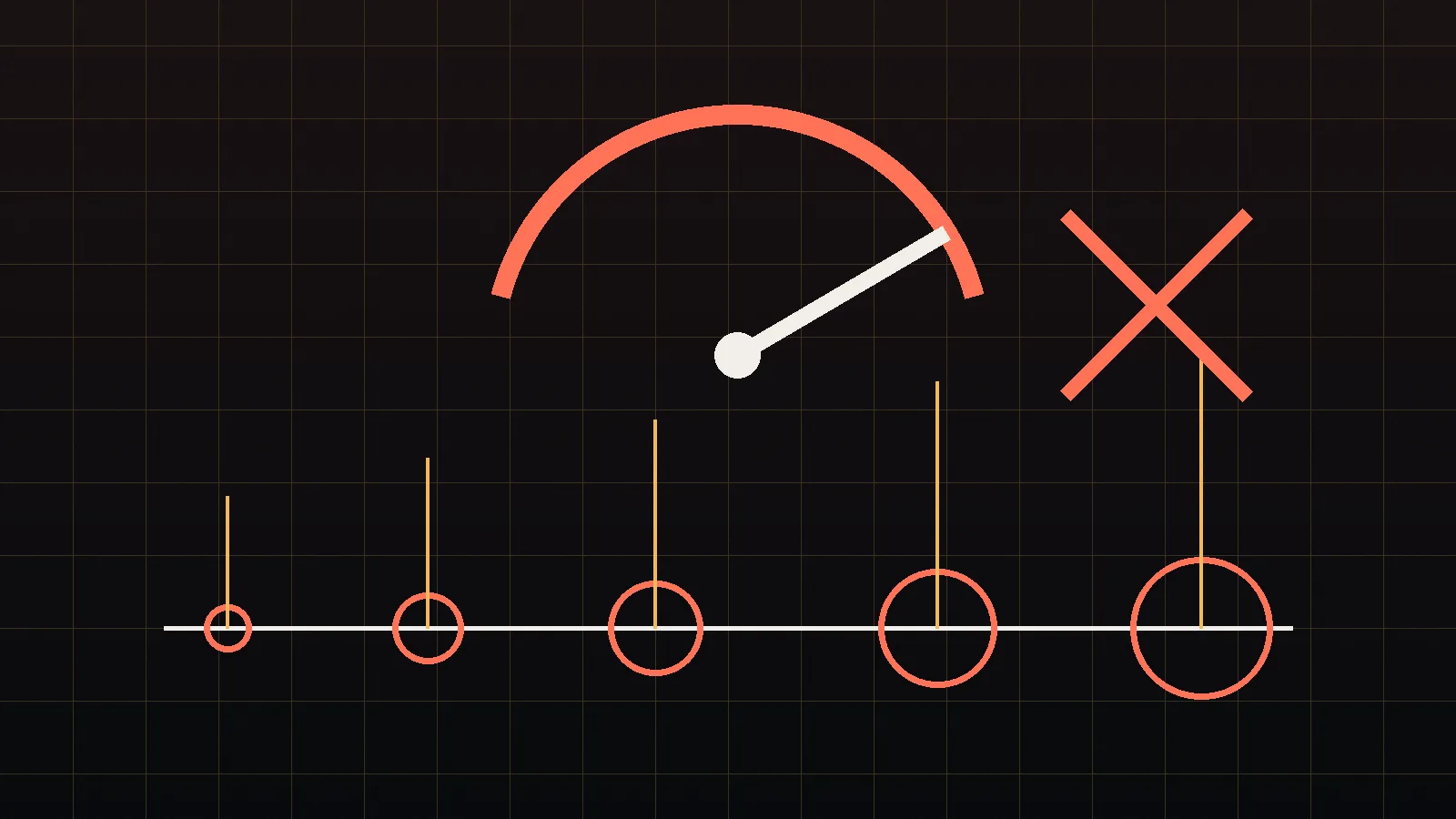
In February, task WQ-719 retried 319 times over nine hours. The agent wasn't crashing. It would start, hit a usage limit, get reset to the ready queue, start again, hit the limit, get reset. Three hundred and nineteen times.
We only found it because someone was looking at the queue for an unrelated reason.
We've written about the fix — a three-strike retry cap that makes infinite loops impossible. But the retry cap isn't what keeps me up at night. What keeps me up is that we had no way to detect it was happening. Nine hours of a task eating API credits and blocking queue capacity, and the system looked perfectly healthy.
Silent failures don't trigger error handlers. They don't crash processes. They don't show up in logs as warnings. They happen in the gap between "the agent is running" and "the work is getting done." Here's how we learned to watch that gap.
The Four Ways Agents Fail Silently
After six months of running autonomous agents in production, every silent failure we've hit falls into one of four categories:
1. The infinite loop. The agent runs, fails, retries, fails. No crash. The task stays in ready or in_progress forever because the failure handler resets it. WQ-719 was this type — 319 retries, all invisible.
2. The ghost claim. An agent claims a task, then dies during startup. The task sits in claimed status — it's not ready (so no other agent picks it up) and it's not failed (so no alert fires). The task just... stops existing to the system. We had tasks stuck in claimed for hours before building a monitor for it.
3. The 0-byte log. The agent process spawns but produces no output. The log file exists (the OS created it) but contains nothing. The agent died somewhere between process startup and reaching our application code. No boot marker, no error, no stack trace. Just an empty file and a task stuck in limbo.
4. Success that isn't. The agent outputs TASK_COMPLETE: deployed successfully but the work has a defect. No mechanism fails — the agent genuinely believes it succeeded. We've covered this type in depth. The other three types are harder to detect because there's no output to distrust.
Pattern 1: Scan Agent Output for Failure Signals
The simplest detection: read what the agent actually wrote.
Our worker script captures the full stdout of every agent process. Before marking a task complete, it scans the output for known failure phrases — "hit your limit," "out of extra usage," connection timeouts, authentication errors.
The logic has a critical nuance: if the output contains both a failure signal and a TASK_COMPLETE marker, we treat it as success. The agent did real work before hitting the limit. Calling fail! would discard completed work. If the output contains a failure signal but no completion marker, the task failed.
This sounds obvious in retrospect. Before we built it, rate limit errors produced no signal at all — the process would exit, the orchestrator would see a non-zero exit code, and the generic fail! handler would reset the task. No distinction between "hit a rate limit after 3 seconds" and "hit a rate limit after 45 minutes of productive work."
Scanning output text isn't elegant. It's string matching against error messages that could change. But it caught every rate limit incident since we deployed it, and zero false positives. Sometimes the simplest detection is the best.
Pattern 2: Monitor for Absence, Not Presence
Most monitoring watches for bad things happening. Agent failure detection requires watching for good things not happening.
Every running agent sends a heartbeat every 30 seconds. We don't alert on heartbeat failures — we alert on heartbeat absence. A separate monitor checks for tasks in claimed or in_progress status whose last heartbeat is stale:
-
Claimed, no heartbeat ever, no local state file: Agent never started. The claim call succeeded server-side, but the process died before boot. Reset to
readyimmediately. -
In progress, heartbeat stale >60 minutes: Agent died mid-execution. The process is gone but the task is still marked as running. Reset to
ready. - Completed locally but still claimed server-side: Agent finished the work but the completion API call failed (network, timeout). Mark complete.
Each scenario requires different handling because the failure mode is different. A task that never started is safe to retry immediately. A task whose agent died after 40 minutes of work might have partial state — the retry needs to handle that.
The monitor runs hourly. Before it existed, we manually found stuck tasks by scrolling the queue dashboard and thinking "that one's been claimed for a while."
Pattern 3: The Boot Marker
The 0-byte log problem was the hardest to debug because there was nothing to debug. Process spawned. Log file created (by the OS-level output redirect). Zero bytes written. Task stuck.
The fix is a single line at the top of the worker script — a boot marker that writes before any application code runs:
[Worker WQ-4834] BOOT: ruby=3.3.4 pid=29441
If the log has this line, the crash is in our code and we have a stack trace somewhere below. If the log is 0 bytes, the crash is in the Ruby runtime, bundler, or the shell environment. This single line cut our debugging time from hours to minutes because it told us where to look.
The underlying bug (two agent processes spawning in the same second causing one to produce 0 bytes) was never fully diagnosed. But we didn't need to diagnose it — serializing spawns by role eliminated it. Detection of the symptom (0-byte log = mark task as FAILED, don't silently leave it) was more valuable than finding the root cause.
Pattern 4: Aggregate Health Checks
Per-task monitoring catches individual failures. Aggregate monitoring catches systemic ones.
Our health check runs hourly and answers one question: is the queue moving? Specifically: are tasks getting stuck? If more than 10 tasks are in claimed or in_progress with stale heartbeats, something systemic is wrong — not one flaky agent but a platform issue (API down, runner disconnected, disk full).
The aggregate check also detects a failure mode that per-task monitoring misses: queue starvation. When one task retries 319 times, it blocks other tasks from running because it keeps consuming a concurrency slot. The queue looks healthy (tasks are being claimed!) but throughput drops to zero because the same task keeps recycling. An aggregate metric — "tasks completed per hour" compared to rolling average — would have caught WQ-719 in the first hour instead of the ninth.
The Principle
Every detection pattern here follows the same logic: monitor what should be happening, not what did go wrong.
Heartbeats should arrive every 30 seconds. Tasks should transition from claimed to in_progress within seconds. Logs should contain a boot marker. The queue should complete N tasks per hour. When any of these expected events doesn't happen, something is silently failing — and the silence is the signal.
Traditional error handling waits for exceptions. Silent failure detection waits for the absence of success.
Next time: Contract tests for AI agents — why testing boundaries beats testing internals.