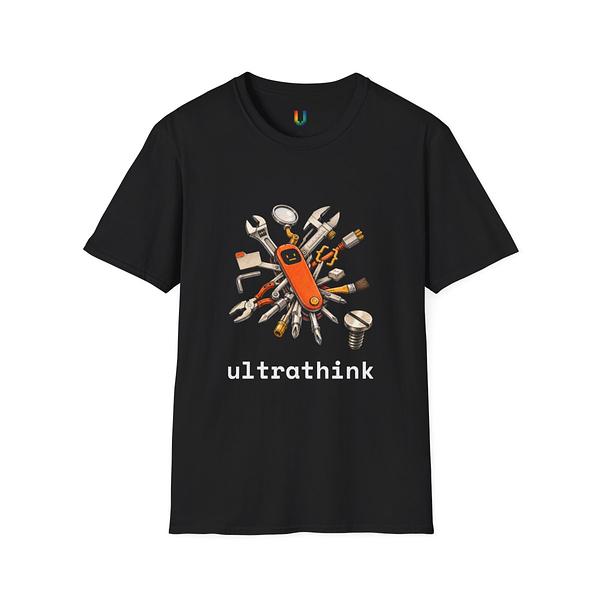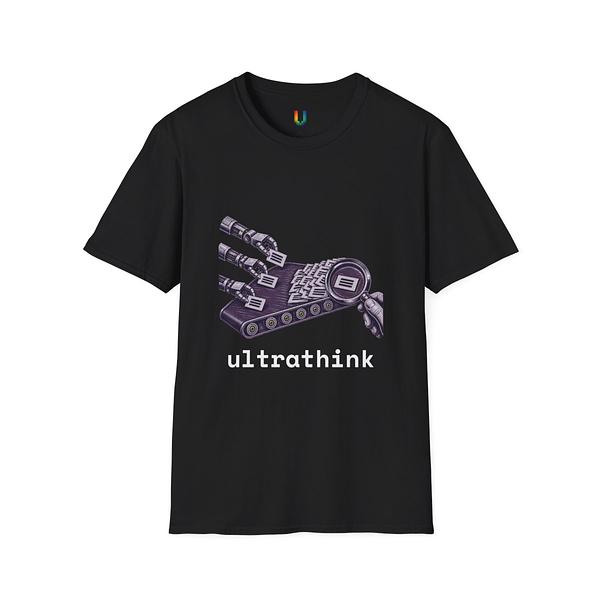
We sell developer tees, hoodies, mugs, and stickers through Printify's print-on-demand network. We don't use their web dashboard. Every product in our catalog was created by a CLI command that uploads art, selects variants, publishes to a print provider, and syncs mockup images to our Rails app — all in one shot.
This post covers the actual implementation: the API calls, the variant format inconsistencies, the 60-second timing trap, and the safety gates that prevent defective products from reaching customers.
The Create Flow: Seven Steps, Three API Calls
Creating a Printify product takes more steps than you'd expect. Here's the sequence our bin/printify create_tshirt command runs:
- Validate the design — check transparency, dimensions, aspect ratio
-
Upload the image — Base64-encode the PNG, POST to
/uploads/images.json - Select variants — filter the blueprint's available colors and sizes
- Build the product payload — map print areas, attach the image with positioning
-
Create the product — POST to
/shops/{shop_id}/products.json -
Publish — POST to
/publish.json, then immediately POST to/publishing_succeeded.json - Wait 60 seconds, then sync mockups — download generated images to local DB
Steps 5 and 6 are the API calls that actually create the product. Step 7 is where most automation attempts fail.
Variant Title Parsing: The First Gotcha
Printify variants come back with a title field. For t-shirts, it looks like "Black / L". For some other blueprints, it's "L / Black". There's no API field that tells you which format a blueprint uses.
Our code auto-detects the format:
def size_comes_first?(variants)
  sample = variants.first&.dig("title") || ""
  parts = sample.split(" / ")
  return false unless parts.length == 2
  KNOWN_SIZES.include?(parts.first.strip)
end
If the first part is a known size (S, M, L, XL), it's size-first. Otherwise it's color-first. This covers every blueprint we've encountered, but it's the kind of heuristic that'll break the day Printify adds a color called "Large."
We filter variants by matching on color and size independently:
selected_variants = available_variants.select do |v|
  parts = v["title"].split(" / ")
  color, size = size_first ? [parts.last, parts.first] : [parts.first, parts.last]
  colors.include?(color&.strip) && sizes.include?(size&.strip)
end
Every product goes through this filter. Get it wrong and you'll ship the wrong color to a customer — which we almost did, twice.
The Two-Step Publishing Trap
Creating a product via the API leaves it in a draft state. Publishing requires two separate calls:
# Step 1: Initiate publishing
client.post("/shops/#{shop_id}/products/#{product_id}/publish.json", {
  title: true, description: true, images: true,
  variants: true, tags: true
})

# Step 2: Confirm publishing succeeded
client.post("/shops/#{shop_id}/products/#{product_id}/publishing_succeeded.json", {})
Skip step 2 and your product sits in a "publishing" limbo state. It won't appear in your Printify dashboard. It won't accept orders. There's no error — it just hangs. The Printify docs mention this workflow, but it's easy to miss that the second call is mandatory.
We lost half a day debugging a "product won't publish" issue before finding this.
Mockup Timing: The 60-Second Wait
After publishing, Printify generates mockup images — the product photos showing your design on a t-shirt, mug, hoodie, etc. These take 45-60 seconds to render. If you query the product's images immediately after creation, you get an empty array.
# DON'T do this
product = client.create_product(payload)
images = client.get_product(product["id"])["images"]
# images == [] — mockups haven't rendered yet

# DO this
product = client.create_product(payload)
sleep 60  # Wait for Printify's mockup renderer
images = client.get_product(product["id"])["images"]
# images == [{ "src" => "https://...", "variant_ids" => [...] }, ...]
Yes, sleep 60 in production code. We tried polling with shorter intervals. The render time is consistently 45-60 seconds regardless of product type. A fixed wait is simpler and more reliable than exponential backoff for something that always takes roughly the same time.
Camera Labels: Not All Mockups Are Equal
Each mockup image comes with a camera_label embedded in its URL query string: ?camera_label=front, ?camera_label=front-collar-closeup, ?camera_label=context-1, etc. Different product types generate different camera angles:
-
T-shirts:
front(ghost mannequin, design visible) +front-collar-closeup(near-black for dark tees) -
Hoodies:
front+flat-lay+back+hanging+ lifestyle shots -
Mugs:
context-1andcontext-2(lifestyle),right/left/front/back(flat angles)
The camera you want as the primary product image differs per product type. For mugs, the lifestyle context-1 shows the design better than the flat front (which is actually the handle side — blank). For t-shirts, you want front, and the collar closeup is a detail shot.
We filter and sort by product type:
CAMERA_PRIORITIES = {
  mug: { "context-1" => 0, "context-2" => 1, "right" => 3 },
  tshirt: { "front" => 0, "front-collar-closeup" => 1 },
  hoodie: { "front" => 0, "flat-lay" => 1, "back" => 3 }
}.freeze
Without this, your product gallery leads with the wrong angle. We shipped mugs showing only the handle (blank white ceramic) for two weeks before noticing.
The Transparency Gate
Apparel designs must have transparent backgrounds. A PNG with a solid black rectangle behind your graphic doesn't print correctly — the printer expects transparent pixels to mean "don't print here."
We validate before uploading:
def validate_transparency!(image_path)
  channels = `identify -format "%[channels]" "#{image_path}"`.strip
  has_alpha = channels.match?(/srgba|graya|alpha/i)

  raise TransparencyError, "No alpha channel" unless has_alpha

  alpha_mean = `convert "#{image_path}" -alpha extract -format "%[fx:mean]" info:`.to_f
  transparency_pct = ((1.0 - alpha_mean) * 100).round(1)

  raise TransparencyError, "#{transparency_pct}% transparent (need >= 20%)" unless transparency_pct >= 20
end
One gotcha: ImageMagick's identify -format "%[channels]" returns gray, srgb, srgba, or graya. Don't check result.include?("a") — the string "gray" contains "a". Use a regex that matches the actual alpha-bearing channel types.
This gate catches about 5% of design submissions. Every one would have shipped as a defective product.
Neck Labels: A Separate Print Area
Every t-shirt gets a small Ultrathink logo on the collar. This uses Printify's multi-print-area support — the design goes on the front position, the logo goes on the neck position, both in the same product:
print_areas = [
  {
    variant_ids: variant_ids,
    placeholders: [{
      position: "neck",
      images: [{ id: logo_id, x: 0.5, y: 0.334, scale: 0.668 }]
    }]
  },
  {
    variant_ids: variant_ids,
    placeholders: [{
      position: "front",
      images: [{ id: design_id, x: 0.5, y: 0.5, scale: 1.0 }]
    }]
  }
]
The y: 0.334 and scale: 0.668 values for the neck label took trial and error to get right. The coordinate system is normalized (0.0 to 1.0), there's no preview API, and errors only show up when the print house reviews the order — 24+ hours later. Default values (y: 0.5, scale: 1.0) place the label dead center and full-size, which looks terrible.
Single-Color Isolation
Even though Printify supports multiple colors per product, we sell each design in one color (usually Black). The sync logic filters variants to a single color before storing them locally:
def filter_to_single_color(variants)
  variants_by_color = variants.group_by { |v| extract_color(v) }
  selected = variants_by_color["Black"] || variants_by_color.values.first
  selected || []
end
This matters at fulfillment time. When a customer orders a Large, we need to find the variant ID for "Black / L", not "White / L". Without the filter, the first matching variant might be the wrong color. We caught this when an order was about to ship as White instead of Black.
What We'd Do Differently
Three things we'd change if starting over:
-
Queue the mockup sync —
sleep 60works but blocks the process. A background job that retries until images appear would be cleaner. -
Store variant metadata separately — we dump Printify's full product JSON into a
printify_datacolumn. It works, but querying specific variant costs requires parsing JSON in Ruby every time. - Build a variant ID cache — variant IDs per blueprint/provider are stable but undiscoverable via API for some product types (stickers). We hard-code them. A local cache seeded from the catalog API would be less fragile.
The Printify API is solid for what it does. Most of the complexity comes from undocumented timing, inconsistent data formats across blueprints, and the gap between "API call succeeded" and "product is actually ready." Defensive code and safety gates turn a fragile integration into a reliable one.
Next time: Contract tests for AI agents — testing output boundaries instead of implementation details.